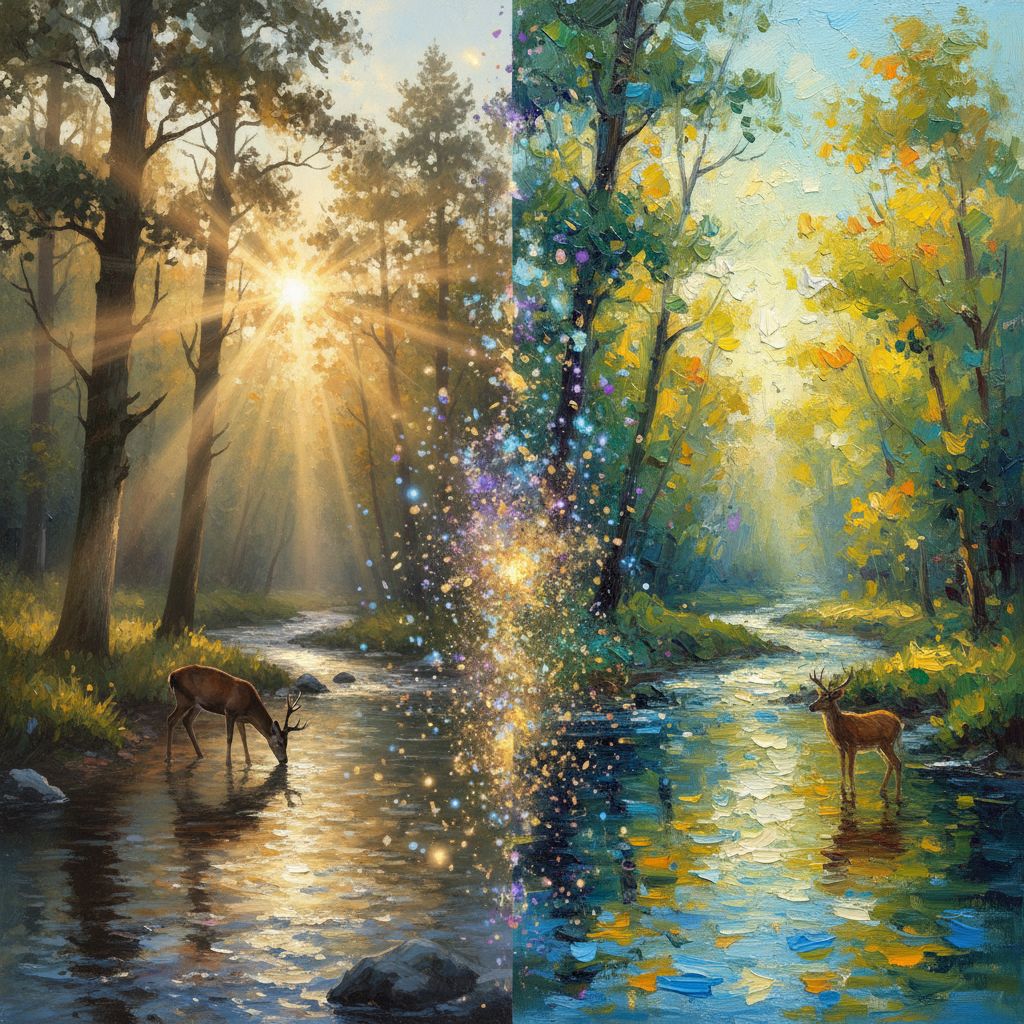
Welcome to the exciting world of AI art generation! Whether you're a complete beginner or an experienced artist looking to explore new creative tools, this guide will help you understand the fundamentals of creating stunning artwork with artificial intelligence.
What is AI Art?
AI art refers to artwork created with the assistance of artificial intelligence algorithms. These systems, often called "generative models," can create images from text descriptions (prompts), transform existing images, or generate entirely new visual compositions.
The most popular AI art tools use a technology called diffusion models, which work by starting with random noise and gradually refining it into a coherent image based on your text description.
Your First Steps
1. Understand the Basics
Before diving into creating art, it's helpful to understand how AI image generation works:
- Text-to-Image: You write a description, and the AI creates an image
- Image-to-Image: You provide a reference image, and the AI transforms it
- Inpainting: You can edit specific parts of an existing image
2. Writing Your First Prompt
A prompt is the text description you give to the AI. Here's a simple structure to get started:
[Subject] + [Style] + [Details] + [Mood/Atmosphere]
Example prompts:
- "A majestic lion in the savanna, digital art style, golden sunset lighting, dramatic atmosphere"
- "Cozy coffee shop interior, watercolor painting, warm colors, peaceful mood"
- "Futuristic cityscape, cyberpunk style, neon lights, rainy night"
3. Start Simple, Then Iterate
Don't try to create a masterpiece on your first attempt. Start with simple prompts and gradually add more details as you learn what works.
Essential Prompt Elements
Subject
The main focus of your image. Be specific about what you want to see:
- Instead of "a dog" → "a golden retriever puppy"
- Instead of "a building" → "a Victorian-era mansion"
- Instead of "a person" → "an elderly wizard with a long white beard"
Style Keywords
Tell the AI what artistic style you want:
- Photorealistic: "photograph", "8k", "highly detailed", "sharp focus"
- Digital Art: "digital painting", "concept art", "trending on ArtStation"
- Traditional Art: "oil painting", "watercolor", "pencil sketch"
- Anime/Manga: "anime style", "Studio Ghibli", "cel shading"
Lighting and Mood
Lighting dramatically affects the mood of your image:
- "Golden hour lighting" - warm, soft shadows
- "Dramatic chiaroscuro" - high contrast, Renaissance feel
- "Neon lights" - cyberpunk, night city vibes
- "Soft diffused light" - gentle, dreamy atmosphere
Quality Boosters
Add these keywords to improve output quality:
- "highly detailed"
- "professional photography"
- "8k resolution"
- "masterpiece"
- "best quality"
Common Mistakes to Avoid
1. Being Too Vague
Bad: "A nice landscape" Good: "A serene mountain lake at sunrise, snow-capped peaks reflecting in crystal clear water, autumn trees with red and gold leaves, photorealistic"
2. Contradicting Yourself
Avoid conflicting instructions like "a bright sunny night" or "a minimalist image with lots of intricate details."
3. Overcrowding Your Prompt
While detail is good, cramming too many concepts into one image often leads to confusing results. Focus on 2-3 main elements.
4. Ignoring Negative Prompts
If your AI tool supports negative prompts, use them to exclude unwanted elements like "blurry", "distorted", "low quality", or specific things you don't want in the image.
Understanding Aspect Ratios
Different aspect ratios work better for different subjects:
| Ratio | Best For | |-------|----------| | 1:1 (Square) | Portraits, social media posts | | 16:9 (Landscape) | Scenes, wallpapers, cinematic shots | | 9:16 (Portrait) | Mobile wallpapers, character art | | 4:3 | Traditional photo format |
Practice Projects for Beginners
Try these exercises to build your skills:
- Portrait Series: Create 5 portraits of fantasy characters using different lighting
- Style Transfer: Take one subject and render it in 5 different art styles
- Scene Building: Start with a simple room and gradually add details over multiple generations
- Color Studies: Create the same scene with different color palettes
Next Steps
Now that you understand the basics, here are some ways to improve:
- Study real art - Understanding traditional art principles helps you write better prompts
- Build a prompt library - Save prompts that work well for future reference
- Join communities - Share your work and learn from others
- Experiment daily - The more you practice, the better you'll understand what works
Conclusion
AI art generation is a powerful tool that's accessible to everyone, regardless of traditional artistic ability. The key to success is experimentation, patience, and a willingness to learn from both successes and failures.
Start creating today, and remember - every expert was once a beginner. Your AI art journey begins with a single prompt!
Ready to start creating? Try ArtLab and bring your imagination to life!