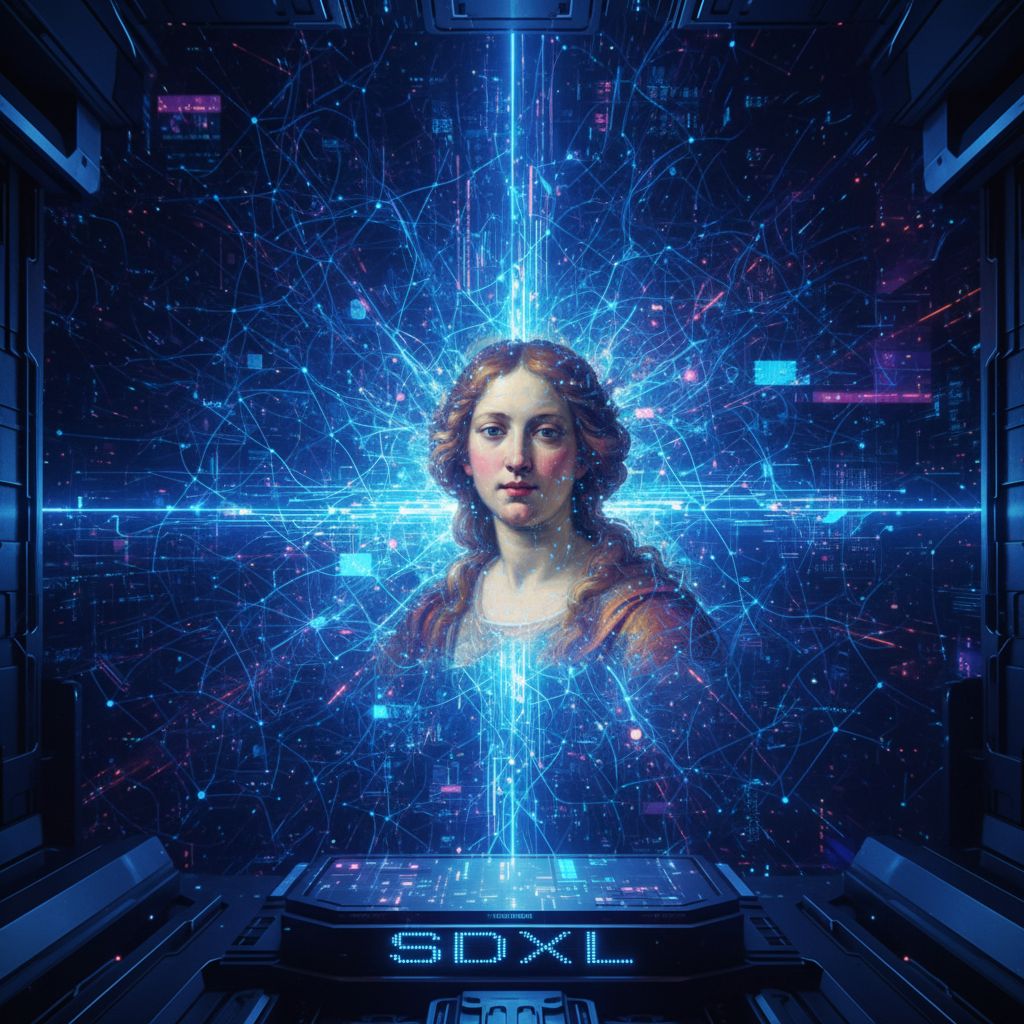
Stable Diffusion XL (SDXL) represents a massive leap forward in AI image generation. Released by Stability AI, this model produces stunningly detailed images at higher resolutions than ever before. Let's dive deep into what makes SDXL special and how to get the best results.
What Makes SDXL Different?
SDXL is not just an incremental update—it's a completely redesigned architecture that brings several key improvements:
Higher Base Resolution
While previous Stable Diffusion models worked at 512x512 pixels, SDXL generates images natively at 1024x1024 pixels. This means:
- More detail in every image
- Better faces and hands
- Sharper text rendering
- More coherent compositions
Two-Stage Pipeline
SDXL uses a unique two-model approach:
- Base Model: Generates the initial image with the main composition
- Refiner Model: Enhances details and improves quality
This pipeline produces significantly higher quality than single-model approaches.
Improved Text Understanding
SDXL uses two text encoders working together:
- OpenCLIP ViT-bigG
- CLIP ViT-L
This dual-encoder system understands prompts better, especially:
- Complex descriptions
- Spatial relationships ("cat sitting ON the table")
- Style combinations
- Artistic references
Optimal Settings for SDXL
Resolution and Aspect Ratios
SDXL supports multiple aspect ratios. Here are the recommended sizes:
| Aspect Ratio | Resolution | Best For | |--------------|------------|----------| | 1:1 | 1024x1024 | Portraits, icons | | 16:9 | 1344x768 | Landscapes, wallpapers | | 9:16 | 768x1344 | Mobile, stories | | 4:3 | 1152x896 | Traditional photos | | 3:4 | 896x1152 | Portrait photos | | 21:9 | 1536x640 | Ultrawide, cinematic |
Inference Steps
The number of steps affects both quality and generation time:
- 20 steps: Fast generation, good for drafts
- 30 steps: Balanced quality and speed (recommended)
- 50 steps: Maximum detail, slower generation
- 100+ steps: Diminishing returns, rarely needed
CFG Scale (Guidance Scale)
Controls how closely the AI follows your prompt:
- 5-7: More creative freedom, softer results
- 7-9: Balanced (recommended for most uses)
- 10-12: Strict prompt following, can look artificial
- 15+: Often produces artifacts, avoid
Scheduler/Sampler
Different samplers produce different results:
- DPM++ 2M Karras: Best overall quality
- Euler a: Fast, creative variations
- DDIM: Consistent, good for reproducibility
- UniPC: Fast with good quality
Writing Prompts for SDXL
SDXL responds well to natural language, but structure still matters.
The SDXL Prompt Formula
[Subject description], [environment/setting], [lighting], [style keywords], [quality boosters]
Example Prompts That Work
Photorealistic Portrait:
Professional headshot of a confident businesswoman in her 30s, sharp blue eyes, subtle smile, wearing a navy blazer, soft studio lighting, shallow depth of field, shot on Canon EOS R5, 85mm lens, 8k, highly detailed
Fantasy Landscape:
Ancient elven city built into massive tree trunks, bioluminescent plants, floating islands connected by rope bridges, sunset golden hour lighting, mist in the valleys, epic fantasy art, detailed architecture, trending on ArtStation
Product Photography:
Luxury perfume bottle on marble surface, dramatic rim lighting, gold accents catching light, dark moody background, commercial photography, magazine advertisement quality, professional product shot
SDXL-Specific Style Keywords
These work particularly well with SDXL:
- "cinematic still"
- "award-winning photography"
- "National Geographic photo"
- "editorial fashion photography"
- "architectural digest"
- "concept art for AAA game"
Common SDXL Mistakes
1. Using SD 1.5 Prompts
Old prompt styles don't work as well. SDXL prefers:
Old style (avoid):
beautiful woman, highly detailed, 8k, sharp focus, intricate, elegant
SDXL style (better):
Portrait of an elegant woman with refined features, soft directional lighting, contemporary fashion photography style, shallow depth of field
2. Overloading with Quality Tags
SDXL already produces high quality. Excessive tags can hurt:
Too many tags:
masterpiece, best quality, ultra detailed, 8k, HDR, highly detailed, extremely detailed, hyper detailed...
Cleaner approach:
professional photography, highly detailed, sharp focus
3. Ignoring Negative Prompts
Negative prompts are crucial for clean results:
blurry, low quality, distorted, deformed, ugly, duplicate, morbid, mutilated, bad anatomy, bad proportions, extra limbs, cloned face, disfigured, gross proportions, malformed limbs, missing arms, missing legs, extra arms, extra legs, fused fingers, too many fingers, long neck, username, watermark, signature
Advanced SDXL Techniques
Using the Refiner Effectively
The refiner works best when:
- Applied at 0.7-0.8 denoising strength
- Used for the last 20-30% of steps
- Focused on detail enhancement, not composition changes
Prompt Weighting
Emphasize important elements:
(golden sunset:1.3) over the ocean, (silhouette of sailing ship:1.2), dramatic clouds
Values above 1.0 increase emphasis, below 1.0 decrease it.
ControlNet with SDXL
SDXL works with ControlNet for precise control:
- Canny Edge: Maintain exact outlines
- Depth: Control spatial composition
- Pose: Specify human poses
- Tile: Upscale with detail
SDXL vs Other Models
| Feature | SDXL | SD 1.5 | Midjourney | |---------|------|--------|------------| | Base Resolution | 1024px | 512px | 1024px | | Text in Images | Good | Poor | Good | | Hands/Anatomy | Much Better | Often Wrong | Good | | Open Source | Yes | Yes | No | | Local Running | Yes | Yes | No | | Customization | Full | Full | Limited |
Conclusion
Stable Diffusion XL represents the state of the art in open-source image generation. Its improved resolution, better prompt understanding, and refined outputs make it the go-to choice for serious AI artists.
The key to mastering SDXL is understanding its strengths—natural language processing, high detail, and flexibility—while avoiding common pitfalls like prompt overloading.
Ready to experience SDXL? Try it now on ArtLab with optimized settings and instant generation!